Rejects incoming calls from numbers that are not in your contacts, before the first ring. Keeps a journal, knows about pauses and an allow list. No ads, no account, no tracking.
Download APK Source code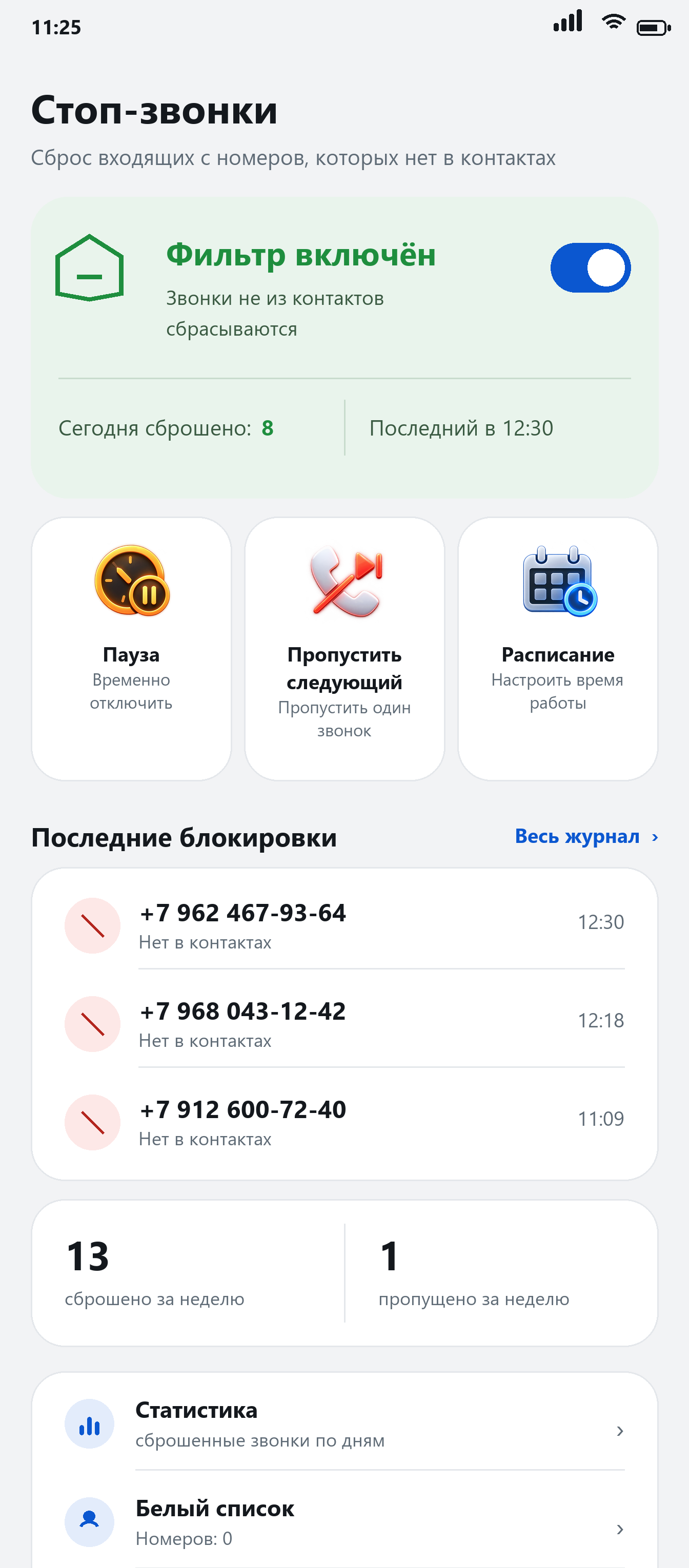
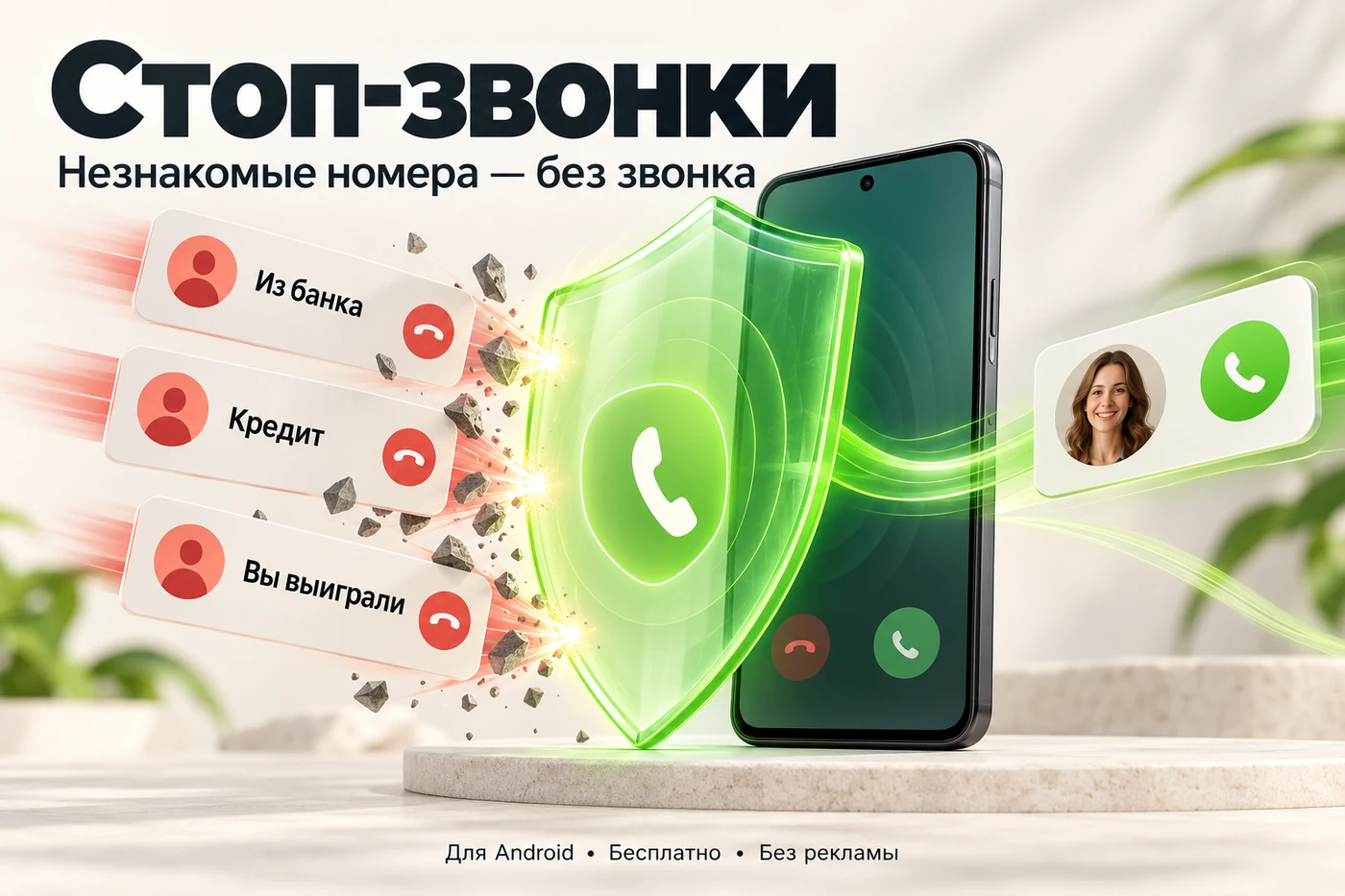
Android 10+ · no ads or subscriptions · ~275 KB
What it does
Blocks strangers
Android hands the call to the app before the phone rings. The number is not in your contacts — the call is rejected.
Keeps a journal
Number, time and the reason for every decision. Long-press a row to copy the number and look it up.
Flexible pauses
30 minutes, one, two or three hours — your choice. Plus a weekday schedule and a pass for the next unknown call.
Statistics
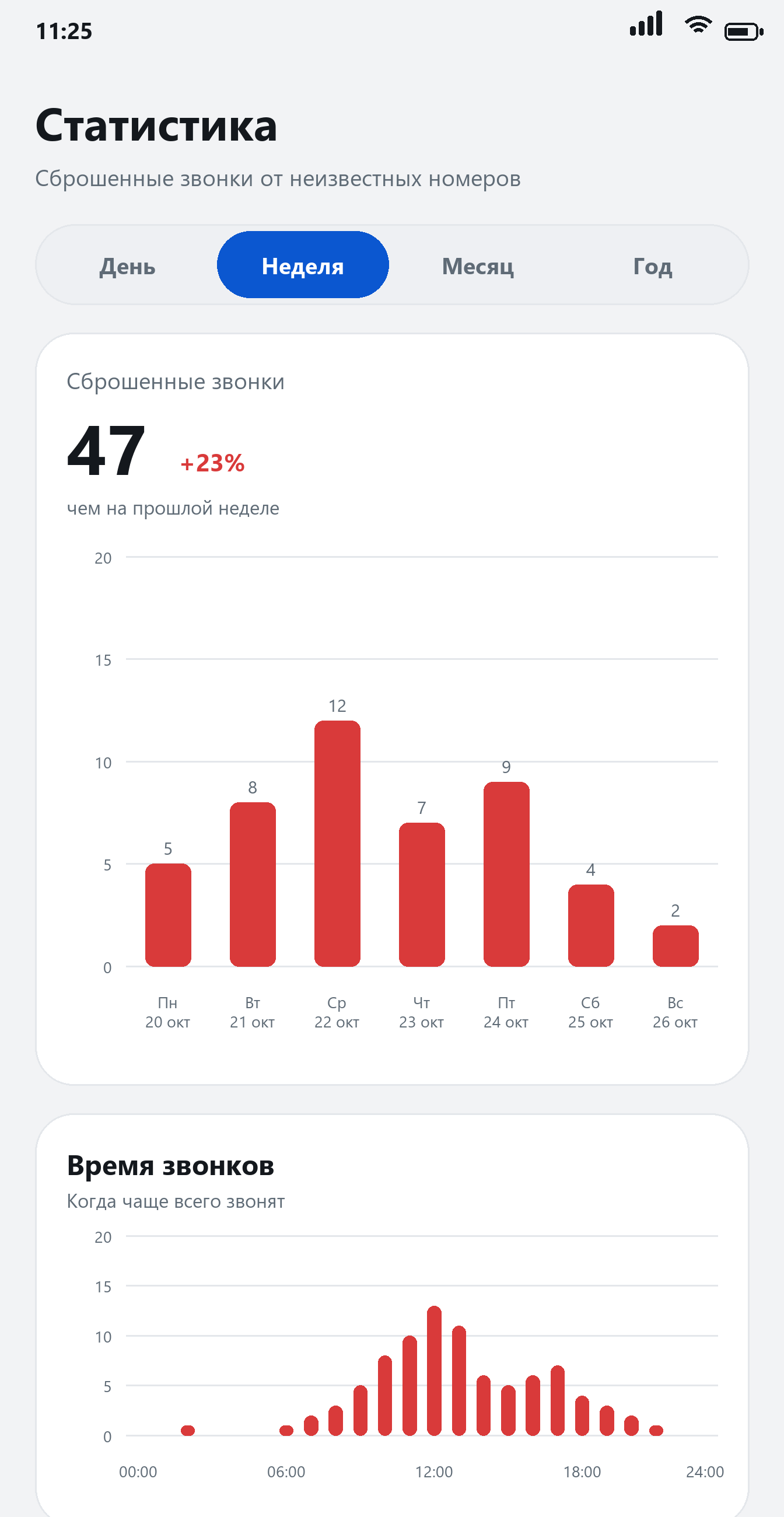
Blocked calls per day, week, month or year: a chart by day, comparison with the previous period and the hours when calls come most often.
You can see it working
A silent ongoing notification: “Filter is on”, paused, or scheduled. It comes back after a reboot. The “Call filter” Quick Settings tile toggles it with one tap.
Allow list
Clinics, deliveries and other important numbers always get through, even when the filter is on.
Works in any country
The country comes from the SIM or the network and numbers are compared in international format — a contact from Berlin will not be blocked.
English and Russian
The interface language is switched inside the app: About → Language. System language by default.
What the statistics look like
A number for the period, comparison with the previous one and two charts: blocked calls per day and the hours when calls come most often.
Support the author
The app is free: no ads, no subscriptions and no paid tiers. If CallGuard saves you some nerves, you can thank the author.
Support on BoostyThanks for using the app.
What's new
- 1.14 — updates install over the current version without uninstalling: the signing key is passed through a lineage, so even 1.12 can update in place.
- 1.13 — “Call filter” Quick Settings tile; update check with the download in the browser.
- 1.12 — labels for every weekday and hour on the charts, 24:00 mark.
Installation
- Download the APK on your phone and open it. Allow installing from unknown sources for your file manager.
- In the app, grant contacts access and assign the “Call screening” role — pick CallGuard in the system dialog, not Phone.
- Call yourself from an unknown number — the call should be rejected and appear in the journal.
Only one app can hold the call screening role. Assigning it to CallGuard turns off the built-in Google caller ID; you can switch back in the same “Caller ID & spam app” setting.
Updates
“Check for updates” in the About screen asks GitHub for the latest version number and tells you when a newer one exists. Downloading is a separate button: the APK opens in the browser and installs over the current version, keeping the journal, settings and allow list. This also works from 1.12 and older — the signing key is passed through a lineage, so no uninstall is needed.
The version check is the only network action: one request to api.github.com.
No call, contact or journal data is sent; the app never installs an APK by itself.
All versions and changes are listed in Releases.
Compatibility
Android 10 and newer
Everything works: screening before the first ring, journal, schedule, statistics, Quick Settings tile.
Android 7–9 — no
The system only lets the default dialer screen calls. Replacing your phone app entirely is a different product, so we did not.
iPhone — impossible
iOS gives third-party apps neither the caller number nor the right to reject a call. Detailed explanation.
Honest limitations
Hidden and private numbers are not blocked
Android does not pass such calls to screening apps. To silence those too, turn on unknown caller blocking in the Phone app: Phone → Settings → Blocked numbers → “Unknown”.
The number verification marker is rare in Russia
STIR/SHAKEN is carrier-side verification. The “block without marker” option exists but is off by default: otherwise your own contacts would be blocked too. The journal shows the marker for every call.
Numbers are compared by the last 10 digits
So +7 916 123-45-67, 8 (916) 123-45-67 and 9161234567 are treated as
one number. Otherwise different formatting would break matching.
Statistics are computed from the journal
There is no separate database: the app counts blocks from the journal, which keeps the latest 1000 entries. On a normal phone that is months of history, but very old calls are eventually pushed out.
The status notification needs notification permission
The app asks once on Android 13 and newer. If you decline, the notification will not appear — the filter itself keeps working.